
Introduction
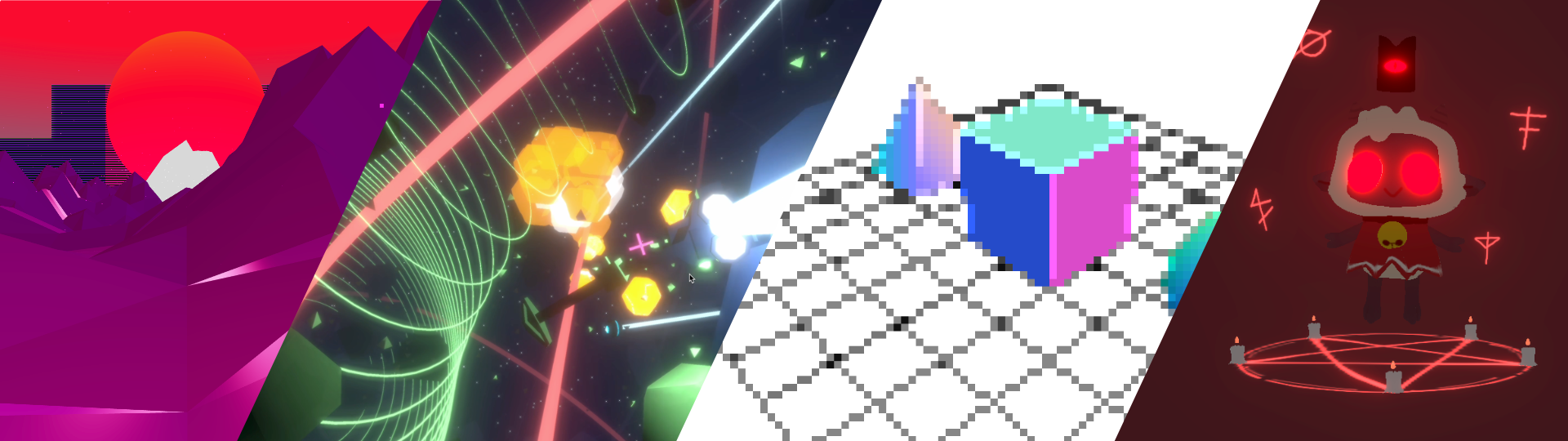
Post-processing, in simple terms, consists of applying visual effects to your 3D scenes after they have been rendered. It allows you to add beautiful effects such as depth-of-field, bloom, motion blur, and many more.
The @tresjs/post-processing package leverages the excellent work done by the pmndrs package and native Three.js post-processing effects. Providing you with an easy-to-use, Vue-centric solution that makes the developer experience (DX) smoother and more delightful.
Post-processing used to be a non-trivial task, but fortunately, now it is. 😜
Basic Usage
You can import post-processing effects from both pmndrs and native Three.js. All effects are available under the unified @tresjs/post-processing namespace.
Using native Three.js effects
<script setup lang="ts">
import { EffectComposer, Glitch, UnrealBloom } from '@tresjs/post-processing'
</script>

<template>
  <TresCanvas shadows alpha>
    <TresPerspectiveCamera :args="[45, 1, 0.1, 1000]" />

    <Suspense>
      <EffectComposer>
        <UnrealBloom />
        <Glitch />
      </EffectComposer>
    </Suspense>
  </TresCanvas>
</template>
Using Pmndrs effects
You can also use pmndrs postprocessing effects. Use the EffectComposerPmndrs component instead of EffectComposer and suffix the effects with Pmndrs.
<script setup lang="ts">
import { BloomPmndrs, EffectComposerPmndrs, GlitchPmndrs } from '@tresjs/post-processing'
</script>

<template>
  <TresCanvas shadows alpha>
    <TresPerspectiveCamera :args="[45, 1, 0.1, 1000]" />

    <Suspense>
      <EffectComposerPmndrs>
        <BloomPmndrs />
        <GlitchPmndrs />
      </EffectComposerPmndrs>
    </Suspense>
  </TresCanvas>
</template>